Usersnap is a solid visual feedback tool, but its per-seat pricing adds up fast. If your team has grown or your needs have shifted, you're probably paying for survey and NPS features you never use while the core bug reporting could be handled by a cheaper Usersnap alternative.
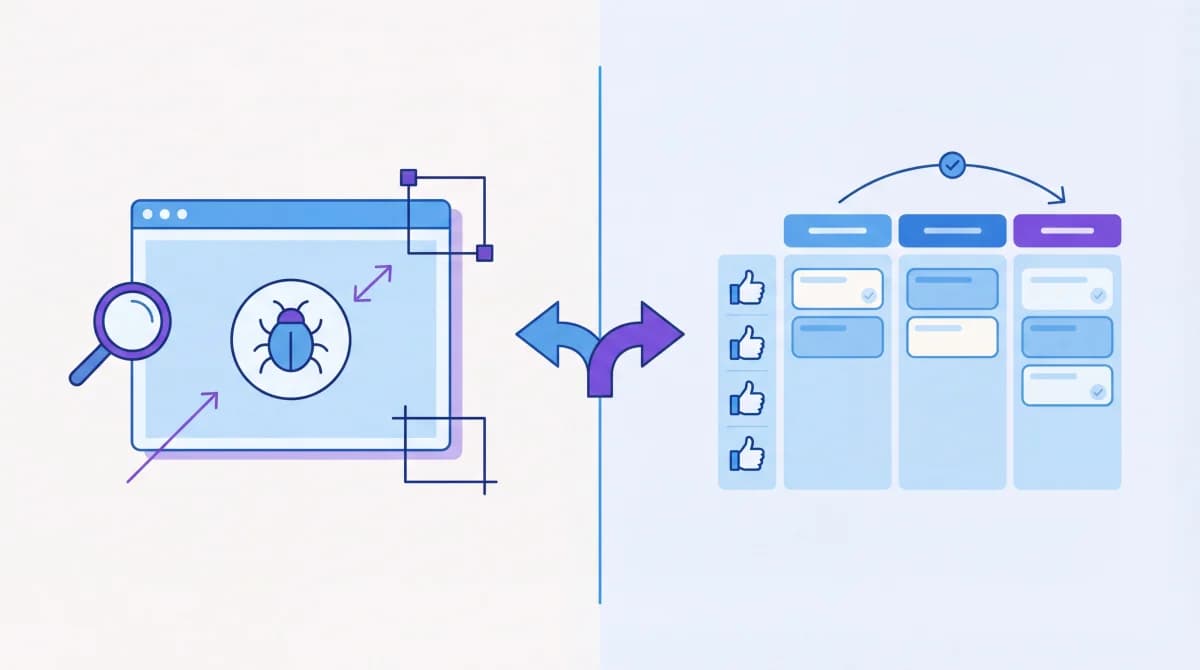
The tricky part is that Usersnap covers two different use cases: visual bug reporting (screenshots, annotations, console logs) and product feedback management (feature requests, voting, roadmaps). According to G2's feedback tool category, this overlap is common across the space, but most teams only need one or the other and end up paying for both.
Here's an honest breakdown of the best alternatives, organized by what you actually need.
Quick Comparison
| Tool | Best For | Visual Bug Reporting | Feedback Voting | Roadmap | Starting Price |
|---|---|---|---|---|---|
| Marker.io | Dev workflows | Yes (screenshots + console logs) | No | No | $39/mo |
| Userback | SaaS teams | Yes (video + session replay) | No | No | $49/mo |
| Feedbucket | Web agencies | Yes (visual annotations) | No | No | $29/mo |
| Gleap | All-in-one SaaS | Yes | Yes | Yes | $49/mo |
| Ybug | QA teams | Yes (lightweight) | No | No | $15/mo |
| Feeqd | Product feedback | No | Yes (community voting) | Yes (Kanban + list) | Free |
| Featurebase | Feature tracking | Limited | Yes | Yes | $49/mo |
If You Need Visual Bug Reporting
These tools replace Usersnap's core screenshot and annotation features. They're built for catching bugs, collecting client feedback on designs, and sending detailed reports to developers. Other options in this space include BugHerd and Ruttl, but the four below are the strongest picks in 2026.
Marker.io
Marker.io is the top pick if your developers live in Jira, GitHub, or Linear. It captures screenshots with automatic technical data (console logs, network requests, environment info) and syncs bidirectionally with your issue tracker.
Strengths:
- One-click bug reporting with browser extension
- Automatic capture of console logs, network data, and environment details
- Deep two-way sync with Jira, GitHub, Linear, Trello, and Asana
- Guest reporting (clients don't need an account)
Limitations:
- No feedback voting or roadmap features
- Focused purely on bug reporting
- No free plan
Best for: Development teams that need detailed technical context with every bug report and already use Jira or GitHub.
Userback
Userback goes beyond screenshots with video feedback and session replays. If you want to see exactly what users experienced before reporting an issue, this is your tool.
Strengths:
- Video feedback recording
- Session replay to see user actions before the report
- In-app surveys for targeted feedback
- Visual annotations on any page
Limitations:
- Higher price point than simpler alternatives
- Can feel complex for teams that just need basic screenshots
- Survey features overlap with dedicated survey tools
Best for: SaaS teams that want visual bug reporting plus user behavior context through session replays.
Feedbucket
Feedbucket is built specifically for web agencies collecting feedback from clients. It's significantly cheaper than Usersnap and keeps the workflow simple: client clicks on the page, leaves a comment, it shows up in your project management tool.
Strengths:
- Simple client-facing interface (no training needed)
- Two-way sync with Asana and Trello
- Affordable pricing for agencies managing multiple client sites
- No account required for clients
Limitations:
- Less technical detail than Marker.io
- Fewer integrations than enterprise tools
- No feedback voting or roadmap
Best for: Agencies and freelancers who need clients to point at things on a website and leave comments without confusion.
Ybug
Ybug is the lightweight, budget option. It does screenshot-based bug reporting without the extra features (surveys, NPS, customer experience) that inflate Usersnap's pricing.
Strengths:
- Fast, lightweight widget
- Automatic technical data capture
- Simple pricing without per-seat charges
- Quick setup (under 5 minutes)
Limitations:
- Fewer integrations than competitors
- No video feedback
- Basic reporting dashboard
Best for: QA teams and small development shops that want clean bug reporting without paying for features they won't use.
If You Need Product Feedback Management
If you're using Usersnap mainly to collect feature requests and understand what users want, you're using a bug reporting tool for a feedback management job. These tools are purpose-built for collecting, organizing, and prioritizing user feedback.
Feeqd
Feeqd is the tool I've built for teams that need the full feedback loop: collect input, let users vote on priorities, and connect the most-requested items to your product roadmap.
What you get:
- Feedback boards for organizing requests by type (features, bugs, general)
- Community voting so users prioritize what matters most
- Public roadmap (Kanban + list view) showing what's planned, in progress, and shipped
- 18KB embeddable widget that won't slow down your product
- Custom subdomain (yourteam.feeqd.com) for public boards
Free plan: 3 boards, 60 entries, 1 roadmap, voting, and widget. Pro starts at $19/month.
Why it's different from Usersnap: Usersnap captures what's broken. Feeqd captures what to build next and lets your users help you prioritize through voting.
Featurebase
Featurebase combines feedback voting with a changelog and roadmap. It's more feature-rich than most alternatives but comes at a higher price point.
Strengths:
- Feedback boards with voting
- Public changelog for announcing shipped features
- Roadmap views
- Integrations with Slack, Jira, Linear, and Intercom
Limitations:
- Free plan is very limited
- Starts at $49/month for meaningful usage
- Can feel heavy for small teams
Best for: Mid-size product teams that want feedback, roadmap, and changelog in one tool and have the budget for it.
Gleap
Gleap is the only tool that bridges both categories. It combines visual bug reporting with product feedback, live chat, and AI-powered support.
Strengths:
- Bug reporting with screenshots and technical data
- Feature requests with voting
- Public roadmaps
- Built-in live chat and AI chatbot
- Knowledge base
Limitations:
- Jack-of-all-trades risk: none of the individual features are as deep as dedicated tools
- Higher pricing for the full suite
- Can be overwhelming to configure
Best for: SaaS teams that want one tool for everything (bugs, feedback, chat, roadmap) and don't mind trading depth for breadth.
How to Choose
Ask yourself one question: are you replacing Usersnap's bug reporting or its feedback collection?
| Your main need | Best pick | Why |
|---|---|---|
| Screenshot bug reports for devs | Marker.io | Deepest dev tool integrations |
| Client feedback on websites | Feedbucket | Simplest, cheapest for agencies |
| Video + session replay | Userback | Best user behavior context |
| Lightweight QA bug reports | Ybug | Cheapest, no bloat |
| Feature requests + voting | Feeqd | Full feedback loop with free plan |
| Feedback + changelog + roadmap | Featurebase | All-in-one product management |
| Everything in one tool | Gleap | Bugs + feedback + chat combined |
Most teams discover they were using Usersnap for two different jobs. If that's you, consider using a focused bug reporting tool (Marker.io or Feedbucket) alongside a dedicated feedback tool (Feeqd or Featurebase). Two specialized tools often cost less than one do-everything platform.
Pricing listed is as of March 2026. Check each tool's website for current plans.
FAQ
Is Usersnap worth the price?
It depends on your team size. For small teams (2-5 people), Usersnap's per-seat pricing is manageable. For larger teams, the cost scales quickly and you're likely paying for NPS and survey features that overlap with other tools you already use. If you only need bug reporting, Marker.io or Ybug deliver similar value at lower cost.
Can I use a free tool instead of Usersnap?
For visual bug reporting, free options are limited. Most offer free trials but not permanent free plans. For product feedback management, Feeqd's free plan gives you 3 boards, 100 entries, voting, and a roadmap at no cost. For open source self-hosted options, Fider is the most mature choice. If you're specifically looking to switch from Canny, see our best Canny alternatives guide.
What's the difference between Usersnap and a feedback management tool?
Usersnap focuses on capturing bugs visually: screenshots, annotations, console logs, and technical data sent to your dev team. A feedback management tool like Feeqd focuses on understanding what to build: collecting feature requests, letting users vote on priorities, and organizing everything into a roadmap. Different problems, different tools.
Does switching from Usersnap mean losing my data?
Most Usersnap data (bug reports, screenshots) is operational, not strategic. The valuable part is any feature requests or user suggestions buried in those reports. Export those, categorize them into a feedback board, and let users re-vote on what still matters. You'll end up with cleaner, more current data than what you had.
Are there open source alternatives to Usersnap?
For visual bug reporting specifically, options are limited. BugHerd is sometimes cited but isn't open source. For the feedback management side, Fider is the most mature open source option for collecting and voting on feature requests. We covered open source feedback tools in depth in our UserVoice alternatives guide.
Get started with Feeqd for free
Let your users tell you exactly what to build next
Collect feedback, let users vote, and ship what actually matters. All in one simple tool that takes minutes to set up.
Sign up for free