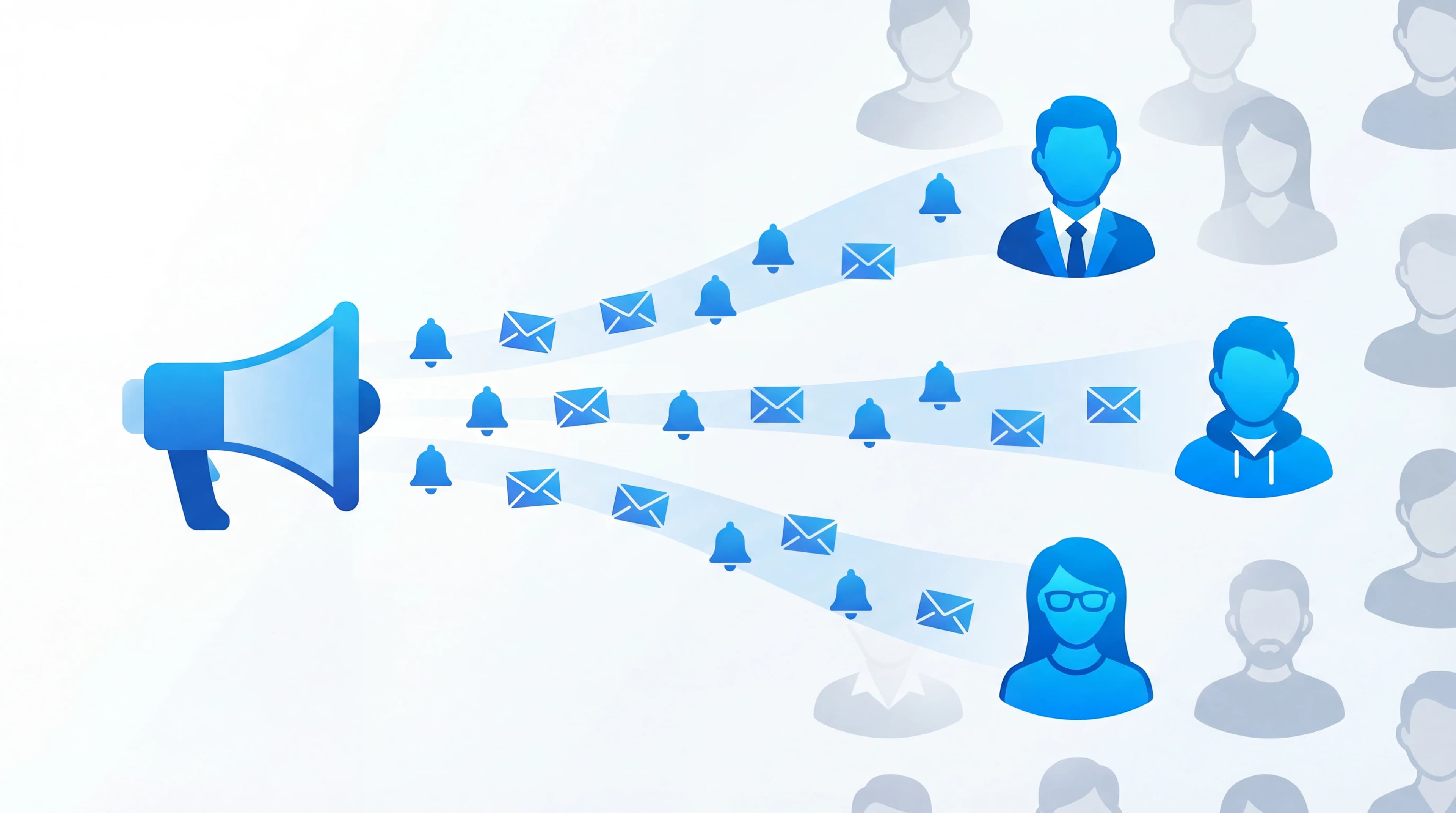
Knowing how to announce new features can mean the difference between a feature that gets adopted and one that gets ignored. We shipped a CSV export feature after weeks of development. The release notes went out in a generic product newsletter. Open rate: 22%. Click-through to the feature: 3%. Meanwhile, the 73 users who had specifically requested CSV export over the past four months had no idea it shipped. Three of them had already churned.
The announcement missed its audience. We told everyone about a feature that most users didn't care about, and failed to tell the users who cared most. That's the default failure mode of feature announcements: broadcast to everyone, resonate with no one.
This guide covers how to announce new features in a way that reaches the people who asked for them, reinforces the feedback loop, and drives actual adoption.
Why Generic Feature Announcements Don't Work
Most feature announcements follow the same pattern: write a changelog entry, send a newsletter, maybe add an in-app banner. The problem isn't the channels. It's the targeting.
Undifferentiated messaging. "We launched CSV export!" means nothing to a user who never needed CSV export. It means everything to the user who submitted a feedback entry about it six months ago. Treating both users the same wastes the first user's attention and underdelivers for the second.
No connection to the request. When a user asked for a feature and it ships months later, they've likely forgotten they asked. A generic announcement doesn't remind them. A targeted one that says "the feature you voted for is live" does.
Announcement fatigue. Users who receive frequent product updates about features they don't care about stop opening those emails. Eventually they miss the one announcement that actually matters to them.
Step 1: Track Who Asked for What
Effective announcements start long before the feature ships. They start when users first request it.
When you collect feedback through feedback boards, every feature request has a history: who submitted it, who voted for it, and how many users expressed demand. This data is your announcement targeting list.
In Feeqd, every feedback entry tracks its submitter and voters. When the entry moves through the status workflow (Pending, Next, In Progress, Completed), that history stays attached. By the time a feature ships, you already know exactly who to tell.
If your feedback system doesn't track requesters, start now. Even a simple "email me when this ships" checkbox on feedback entries builds a notification list over time.
Step 2: Use Your Roadmap as a Living Announcement
A public roadmap is an announcement channel that updates itself. Instead of sending a one-time notification, you maintain a visible board where users check progress at any time.
When a feature moves from "In Progress" to "Completed" on your public roadmap, every user who bookmarked that page or follows your product sees the change. No email required. No in-app modal interrupting their workflow.
The roadmap tells a story that a changelog can't:
- "This feature was requested by your community"
- "73 users voted for it"
- "It moved through Pending, Next, In Progress, and now it's Completed"
That narrative is more compelling than "New: CSV Export" because it shows users that their input drove the decision. This is the core of closing the feedback loop: visible proof that feedback leads to shipped features.
Step 3: Segment Your Announcement Channels
Different users need different announcement formats. Segment by relationship to the feature:
Users who requested or voted for it
These are your highest-value announcement targets. They already want this feature. Your job is to tell them it exists and show them how to use it.
Channel: Direct notification. Email with subject line that references their request: "The feature you voted for is live." If your feedback tool supports it, status change notifications handle this automatically.
Content: Short, specific, action-oriented. Skip the "we're excited to announce" preamble. Lead with what they can do now that they couldn't before.
Active users who didn't request it
These users might benefit from the feature but didn't know they needed it.
Channel: In-app notification. A subtle tooltip or banner on the relevant page, not a full-screen modal. Show it where the feature lives so context is immediate.
Content: Benefit-focused, not feature-focused. Not "we added CSV export" but "you can now download your feedback data as a spreadsheet."
Broader audience
Everyone else: newsletter subscribers, social followers, prospects.
Channel: Changelog, blog post, or social media. These are awareness channels, not activation channels.
Content: Brief, emphasizing the "why." Connect the feature to a real user need. "73 users asked for CSV export. We shipped it this week." Social proof in the announcement itself.
Step 4: Time Your Announcements Right
Shipping day isn't always announcement day. Consider these timing factors:
Announce to requesters first. Give the users who asked for a feature a 24-48 hour head start before the broad announcement. This rewards their participation and creates early adoption data you can reference in the broader announcement ("already used by 40+ teams since launch").
Match your audience's attention window. Tuesday through Thursday mornings get the highest open rates for product emails. In-app notifications should appear during active sessions, not on login after a week away (the user has other priorities at that point).
Batch small features, highlight big ones. Not every feature needs its own announcement. Group minor improvements into a monthly roundup. Reserve dedicated announcements for features with significant vote counts or strategic importance. Intercom's research on feature launches supports this: targeted, segmented announcements consistently outperform mass broadcasts.
Step 5: Measure Announcement Effectiveness
Track whether your announcements actually drive adoption:
- Feature adoption by segment. Do users who were notified directly (requesters/voters) adopt faster than users who saw the generic announcement? They should. If not, your notification isn't reaching them or isn't compelling enough.
- Feedback volume after announcement. Good announcements trigger more feedback: "Love this, but could you also add X?" Rising feedback volume after a feature launch means users are engaged and see the loop working.
- Vote-to-ship awareness. Of the users who voted for a feature, what percentage discovered it shipped within the first week? If that number is low, your announcement channel isn't reaching its most important audience.
Common Mistakes
Announcing features nobody asked for with the same energy as features 100 users requested. Scale your announcement effort to the demand signal. A feature with 3 votes gets a changelog entry. A feature with 100 votes gets a dedicated email, in-app notification, and blog post.
Writing announcements from the builder's perspective instead of the user's. "We rebuilt the export pipeline using streaming architecture" is interesting to engineers. "Exports now finish in seconds instead of minutes" is useful to users. Lead with the outcome, not the implementation.
Forgetting to update the feedback entry status. If users submitted the request through a feedback board, update the entry to "Completed." This is the simplest announcement of all and the one that matters most to the user who submitted it. They see "Completed" and know their voice was heard. Read more about implementing user feedback into your full workflow. For context on what feature requests look like and why tracking them matters, see our guide on the topic.
FAQ
How do I announce new products to customers?
Start with the users who expressed interest. If you collected feedback or waitlist signups, notify those users first with specific, benefit-driven messaging. Then expand to your broader audience through email, in-app notifications, and social channels. Segment your messaging: users who asked for it need different content than users hearing about it for the first time.
How do I introduce new features on a website?
Use a combination of in-app notifications for active users (tooltips on the relevant page, not full-screen modals) and a public changelog or roadmap page for returning visitors. A public roadmap works well because users can see the feature's journey from request to shipped, which builds trust that you listen to feedback.
How do you tell customers about new products?
Match the channel to the customer's relationship with the feature. Direct notification for customers who requested it. In-app hints for customers who would benefit but didn't ask. Newsletter and social for broad awareness. The key is avoiding one-size-fits-all announcements that waste most recipients' attention while underserving your most engaged users.
What makes a good feature announcement?
Three elements: it reaches the right audience (especially users who requested it), it leads with the user benefit (not the technical implementation), and it connects back to the feedback that inspired it. "The feature you voted for is live" outperforms "New: Feature X" every time because it proves the feedback loop works.
Get started with Feeqd for free
Let your users tell you exactly what to build next
Collect feedback, let users vote, and ship what actually matters. All in one simple tool that takes minutes to set up.
Sign up for free