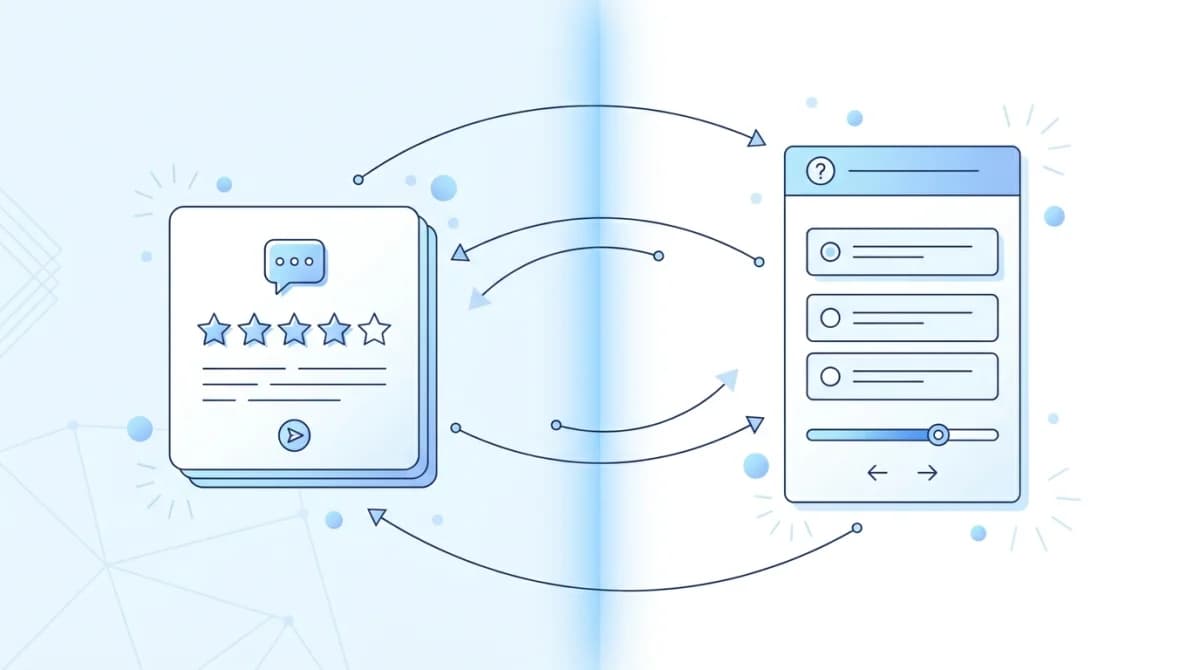
When a product team wants more user input, the decision usually splits in two: embed a feedback widget in the product, or send a survey. The two look interchangeable on the surface. They are not. They produce different signals, at different response rates, at different stages of the user journey.
Most guides frame this as an either/or choice. That framing misses the point. The honest answer is that most product teams end up needing both, but for completely different jobs.
I've built and maintained Feeqd's feedback widget for two years (18KB, async load, always-on). I've also run NPS and CSAT surveys during that time. The trade-offs below are the ones I actually hit in production, not theoretical.
Here is the decision framework, the response-rate data, and the cases where one clearly beats the other.
Feedback Widget vs Survey: The Short Answer
A feedback widget is an always-on UI element users click when they want to say something. A survey is a structured questionnaire you push to users when you need a specific answer. Widgets are best for continuous, user-initiated signals like feature requests and bug reports. Surveys are best for measurable benchmarks like NPS, CSAT, and feature adoption. Most healthy product teams run both, using each for the job it is actually good at. For a deeper look at the widget side, see our guide to the feedback widget and how to embed one.
Quick Comparison
| Attribute | Feedback Widget | Survey |
|---|---|---|
| Placement | In-product, always visible | Email, pop-up, post-event trigger |
| Signal type | Passive (user initiated) | Active (you initiated) |
| Typical response rate | 0.1-2% of sessions submit | 2-5% (email), 5-15% (in-app), 20-40% (post-event) |
| Context captured | Page URL, session, account | Whatever you explicitly ask |
| Best for | Continuous signal, feature requests, in-context bugs | Benchmarks (NPS, CSAT), targeted research |
| Cadence | Always on | Scheduled or triggered |
| Data shape | Qualitative, low volume, high signal | Quantitative, higher volume, structured |
| Friction cost | Low (user opts in) | High (interrupts the flow) |
What Is a Feedback Widget?
A feedback widget is a small, always-visible UI element (floating button, side tab, in-context form) embedded in a product or website. It lets users submit feedback without leaving the page, at the moment something hits them. The user initiates the conversation.
Widgets capture three things automatically: the page a user was on, the account or session context (if logged in), and whatever custom form fields you define. A well-built widget runs on its own. You embed it once and it collects feedback across every page of the product, indefinitely.
The Nielsen Norman Group's field study review notes that feedback collected in-context, at the moment of use, is more actionable than feedback collected retrospectively. Widgets are the operational version of that principle.
What widgets are good at: capturing feature requests, bug reports, and reactions as they happen. They create a continuous, low-volume stream of high-intent feedback. People who click a widget almost always have something specific to say.
What widgets are bad at: benchmarks. You cannot run a statistically meaningful NPS comparison from widget submissions because the sample is self-selected. Widgets tell you what a small subset of motivated users think. They do not tell you what the average user thinks.
What Is a Survey?
A survey is a structured questionnaire you actively push to users, usually via email, an in-app trigger (after a milestone), or a post-purchase redirect. You choose the questions, the audience, and the timing. The team initiates the conversation.
Surveys are stronger for measurement. NPS, CSAT, CES, feature adoption, feature satisfaction are categorical benchmarks that only work when you ask the same question to a representative sample on a schedule. A floating button cannot do that.
What surveys are good at: benchmark metrics, targeted research (quick usability feedback on a new onboarding flow), and gathering specific data points at scale. If you need a number to track quarter over quarter, you need a survey.
What surveys are bad at: opportunistic feedback. The user has already moved on. You get retrospective answers, not "this is frustrating me right now." Survey fatigue is real, too. Over-surveyed users stop responding and response rates degrade meaningfully after the third or fourth survey in a quarter.
The Decision Framework
Before choosing, ask five questions. Each one tips the answer one way or the other.
1. Do you need a number or a signal?
If you need a metric you can chart over time (NPS, CSAT, CES, feature adoption), you need a survey. Widgets cannot give you a representative sample.
If you need to know what people want built, widgets win. A widget running for 30 days will surface more concrete feature requests than a survey with "what should we build next?" as a free-text field, because the widget captures requests organically rather than when users are asked to generate ideas on demand.
2. Is the feedback time-sensitive?
If the feedback is tied to a specific moment (hit an error, tried a feature, completed onboarding), use a widget or a triggered in-app micro-survey. Send an email survey three days later and the context is gone.
If the question is about perceived value over weeks (NPS, satisfaction with the product overall), a scheduled email survey is actually better. You want reflection, not reaction.
3. How often will you ask?
Widgets run continuously at zero marginal cost. There is no question about "how often do I run my widget?" It is always on.
Surveys have a cadence budget. Every survey you send burns a little trust. The healthiest pattern I have seen is one relationship survey per quarter (NPS or CSAT) plus targeted surveys triggered by specific product events (new feature, canceled subscription). More than that and response rates collapse.
4. Who do you want to hear from?
Widgets listen to everyone who has something to say. You hear from your most engaged users, your most frustrated users, and your loudest champions. You lose the silent middle.
Surveys can target any segment. You can send an NPS survey to paid users only, a churn survey to users who just downgraded, a feature-adoption survey to users who tried a specific feature. Targeting is a survey superpower.
5. How much friction will users tolerate?
Widgets sit there until someone chooses to click. The friction is zero until interest is high.
Surveys interrupt, even the polite ones. An email survey interrupts inbox attention. A popup survey interrupts the task at hand. That interruption buys you a representative sample, but it does cost.
When to Use a Feedback Widget
Use a widget when the primary job is collecting what to build next or catching bugs in context. Specific cases:
- Feature request collection. Users know what is missing from the product better than internal brainstorming does. A feature voting board fed by a widget turns this into a prioritized signal instead of a Slack channel of ideas.
- In-product bug reports. A user hits a glitch. A widget with page-URL capture lets them describe it while the issue is on screen. No "where did this happen?" thread later.
- Continuous product listening. If the product ships weekly, you need a weekly feedback stream. Widgets provide that without you doing anything. Surveys do not.
- Community-facing input. When feedback is published on a public feedback board, a widget is the entry point for the broader community. If you are choosing between widget categories, compare in-app feedback tools by frame rather than by top-10 ranking.
The trade-off: you will not get representative data. You will get motivated data. For product decisions about what to build, motivated data is usually what you want anyway.
When to Use a Survey
Use a survey when you need measurement, targeting, or specific answers. Specific cases:
- NPS and CSAT tracking. Quarterly relationship surveys to paid users. CSAT triggered after a support interaction. CES after onboarding.
- Post-event feedback. Canceled subscriptions, completed onboarding, attended webinar, downgraded plan. Trigger the survey within 24 hours of the event.
- Targeted research. "We are considering removing feature X. How often do you use it?" That question needs specific targeting. A widget is too passive.
- Pricing, positioning, and messaging validation. If you are testing a new pricing page copy or positioning claim, you need a structured survey with controlled questions.
The trade-off: every survey burns a little goodwill. Plan the budget across a quarter, not a month, and prioritize.
When to Use Both (Which Is Most of the Time)
The honest answer most comparison articles skip: you usually want both, doing different jobs.
The healthy pattern looks like this:
- Always-on widget captures feature requests, bugs, and reactions 24/7. Output: a continuously updated feedback board with community voting on what to build next.
- Quarterly NPS survey to paid users. Output: a number you can track against previous quarters.
- Triggered CSAT survey after support interactions or cancellations. Output: service recovery signal and churn insight.
- Occasional targeted surveys (two or three per quarter max) for specific research questions.
The widget is the operating system of a continuous feedback loop. Surveys are specific diagnostic tools you run on top of it. Teams that try to do everything with one or the other usually miss half the picture.
In Feeqd's case, I use the embedded widget as the always-on channel where users file feature requests and bugs (organized in public boards with voting), and I run an NPS survey every 90 days with a separate tool. The widget tells me what to build. The NPS tells me whether the building is working.
Response Rate Reality
Response rate comparisons get thrown around loosely. Here is what the honest numbers look like for product teams I have watched over the last two years:
| Channel | Typical response rate | Notes |
|---|---|---|
| Widget (per session) | 0.1-2% | Most users ignore it; those who click have specific intent |
| Email survey (cold list) | 2-5% | Depends heavily on subject line and timing |
| Email survey (engaged users) | 10-25% | Paid users with existing relationship |
| In-app triggered survey | 5-15% | Non-interrupting trigger, right moment |
| Post-event survey (post-purchase) | 20-40% | Peak engagement window |
| Post-cancellation survey | 15-30% | Users motivated to explain |
The widget's 0.1-2% looks small, but remember: every click is self-selected, high-intent, and usually concrete. A survey's 20% response rate includes a lot of "7" ratings with no comment. Volume and quality trade off differently for each channel.
Feedback Widget vs Survey Tool: Where the Categories Blur
A reasonable follow-up: survey tools also offer widgets, and widget tools also offer surveys. Where is the real line?
The line is what the tool optimizes for.
- Survey-first tools (SurveyMonkey, Typeform, Qualtrics): great at structured questionnaires, analytics, and distribution. Their embedded widgets tend to be pop-up surveys, not always-on feedback buttons.
- Widget-first tools (Feeqd, Usersnap, Feedbucket): great at in-context feedback and integrations with feedback boards or issue trackers. Their survey features tend to be limited to simple in-app questions, not full NPS or CSAT methodologies.
- Dedicated in-app survey tools (Pendo, Sprig, Survicate): bridge the gap with targeted micro-surveys inside the product. Great for product research, limited for running a public feedback board.
Pick based on the primary job. If 80% of what you need is feature requests and bug reports, start widget-first. If 80% is NPS, CSAT, or market research, start survey-first. If you need both (most teams do), run two tools.
FAQ
What is the difference between a survey and feedback?
A survey is a structured set of questions you actively send to users to gather specific data (NPS score, satisfaction rating, usage frequency). Feedback is the broader category that includes any input from users, structured or unstructured. Feedback captured via an always-on widget is user-initiated and free-form; survey data is team-initiated and structured. Both are feedback; a survey is just one way to collect it.
Are in-app surveys better than feedback widgets?
They answer different questions. In-app surveys are better when you need a representative sample to track a metric (NPS, feature adoption). Feedback widgets are better when you want continuous, user-initiated input like feature requests or bug reports. Most healthy product teams run both: an always-on widget for feature requests, plus periodic in-app micro-surveys for specific research questions.
Can a widget replace NPS surveys?
No. NPS depends on sampling. You ask a representative group the same question on a schedule and track the score over time. Widgets receive self-selected submissions, so the sample is biased toward users with strong opinions. Use NPS surveys for the metric and widgets for the qualitative feedback that explains why the metric moved.
What are the pros and cons of feedback widgets vs surveys?
Widgets: continuous signal, zero survey fatigue, in-context feedback, works without scheduling. Downsides: biased sample, low absolute volume, qualitative rather than measurable.
Surveys: representative samples, measurable metrics, targeted audiences, structured answers. Downsides: interrupt users, burn goodwill if over-used, miss spontaneous feedback, depend heavily on timing and question design.
Should small teams use one or both?
Small teams often benefit more from starting with a widget than a survey. A widget costs nothing to run and produces concrete feature requests without requiring sample-size math. NPS and CSAT become valuable once you have enough paid users to sample (typically 200+). Running an NPS survey on 40 responses is noise, not signal. Install the widget first; add the survey later.
Get started with Feeqd for free
Let your users tell you exactly what to build next
Collect feedback, let users vote, and ship what actually matters. All in one simple tool that takes minutes to set up.
Sign up for free